EcoGuide · Lighting · Updated 2026-09-30 · 900 words
Motion Sensor Switch vs Smart Bulbs: Which Saves More?
The Short Answer
Both save energy the same way: fewer hours with lights on in empty rooms. They differ in who remembers. A motion sensor switch turns the light off by itself when the room empties; smart bulbs follow schedules, voice commands and scenes, and switch off automatically only if you add a motion sensor or automation.
| Room | Better choice | Why |
|---|---|---|
| Hallway, closet, laundry, garage, pantry | Motion sensor switch | Short visits and hands full: nobody remembers the switch |
| Bathroom | Motion sensor switch (vacancy mode) | Off automatically when you leave; on only when you press it |
| Living room, bedroom, kitchen | Smart bulbs | Dimming, scenes and schedules matter more than auto-off |
| Outdoor lights | Neither alone: a photocell or schedule | Stops lights burning in daylight |
First, make sure the bulbs are LEDs. The U.S. Department of Energy says residential LEDs use at least 75% less energy and last up to 25 times longer than incandescent bulbs, which is a bigger and surer saving than any control.
How to Work Out Your Own Saving
Lighting is about 6% of home electricity on EIA’s figures, so savings are per room, not per house. The math is simple: bulb watts × hours saved per day × 365 ÷ 1,000 = kWh per year. Multiply by your rate.
- A 60 W incandescent left on 4 extra hours a day: about 88 kWh a year.
- The same fixture with a 9 W LED: about 13 kWh a year.
That is why a control saves most where old incandescent or halogen fixtures stay on for hours, and why switching to LEDs first shrinks what any control can save.
Motion Sensor Switches
Lutron Maestro MS-OPS2. An occupancy/vacancy switch: in occupancy mode the lights turn on when you enter and off after you leave; vacancy mode is manual-on, auto-off, which suits bedrooms and bathrooms. Lutron lists a 180-degree field of view, a timeout of 1 to 30 minutes, an ambient light setting that keeps lights off in daylight, and a 2 A rating for all bulb types. Lutron’s specs list a neutral as required, with installation to the ground wire where no neutral is available.
Kasa KS200M. A Wi-Fi motion switch you can also schedule and control by app or voice (Alexa, Google Assistant, SmartThings). TP-Link lists detection up to 25 ft, a built-in ambient light sensor, a 600 W incandescent rating and single-pole wiring only; it requires a neutral wire.
We may earn a commission if you buy through these links, at no extra cost to you. Products are chosen on published specifications; we do not test them in-house (how we choose).
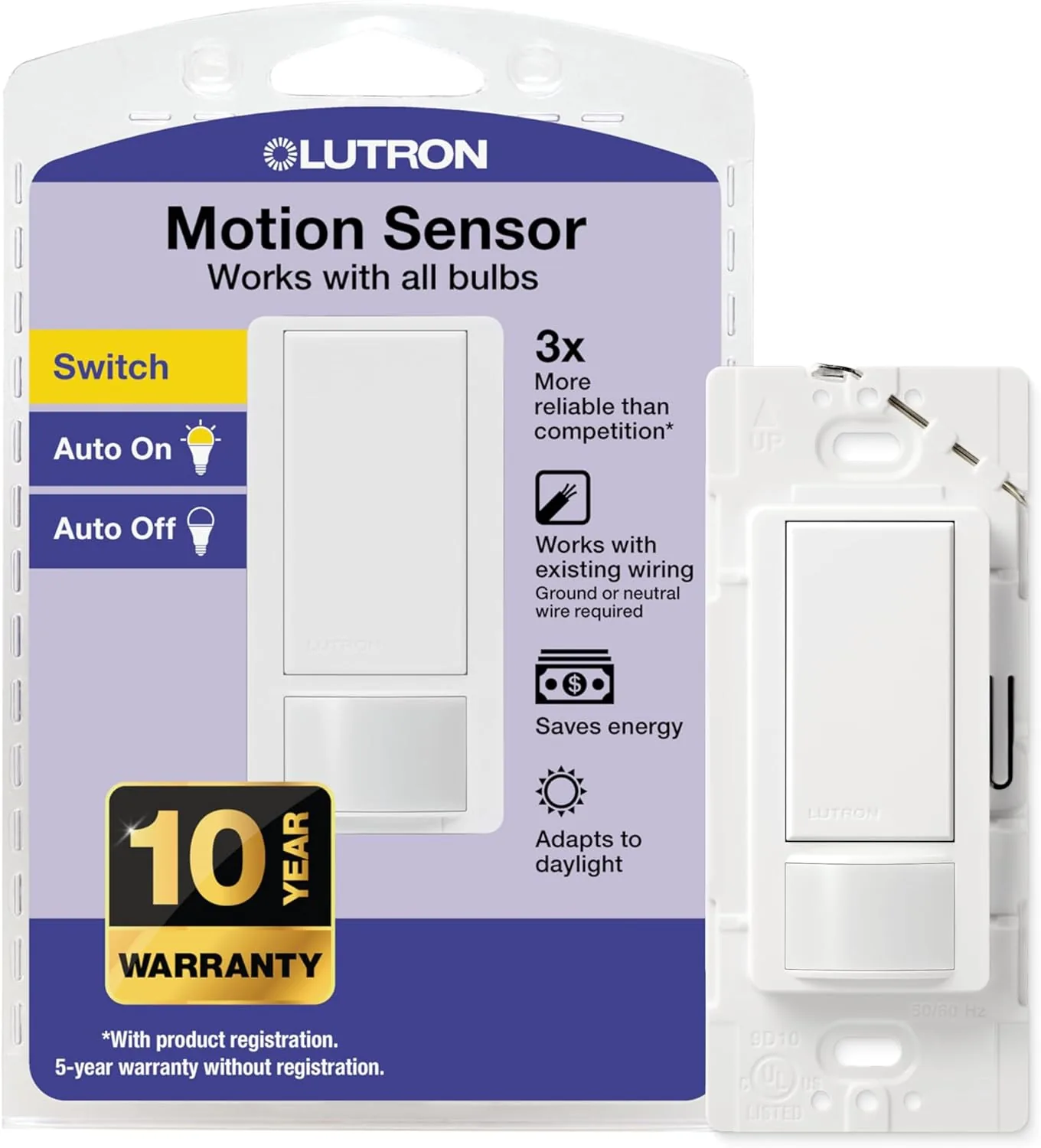
Lutron Maestro MS-OPS2 Motion Sensor Switch
Occupancy or vacancy mode, 1–30 min timeout, ambient light setting; no Wi-Fi.
View on Amazon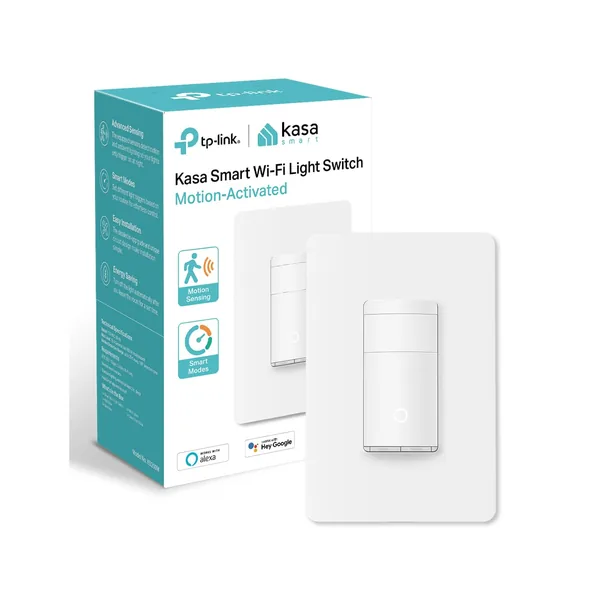
Kasa KS200M Motion Sensor Switch
Wi-Fi motion switch with app, schedules and voice control; neutral wire required, single pole.
View on AmazonWiring one yourself? Follow our motion sensor switch wiring guide, and turn the breaker off first.
Smart Bulbs
Smart bulbs make sense where you want dimming, color temperature and scenes, and in rentals where you cannot change switches. They save energy through schedules, “all off” routines and dimming. Philips Hue bulbs work best with the Hue Bridge, which also lets you add a Hue motion sensor so they switch off on their own.
We may earn a commission if you buy through these links, at no extra cost to you. Products are chosen on published specifications; we do not test them in-house (how we choose).
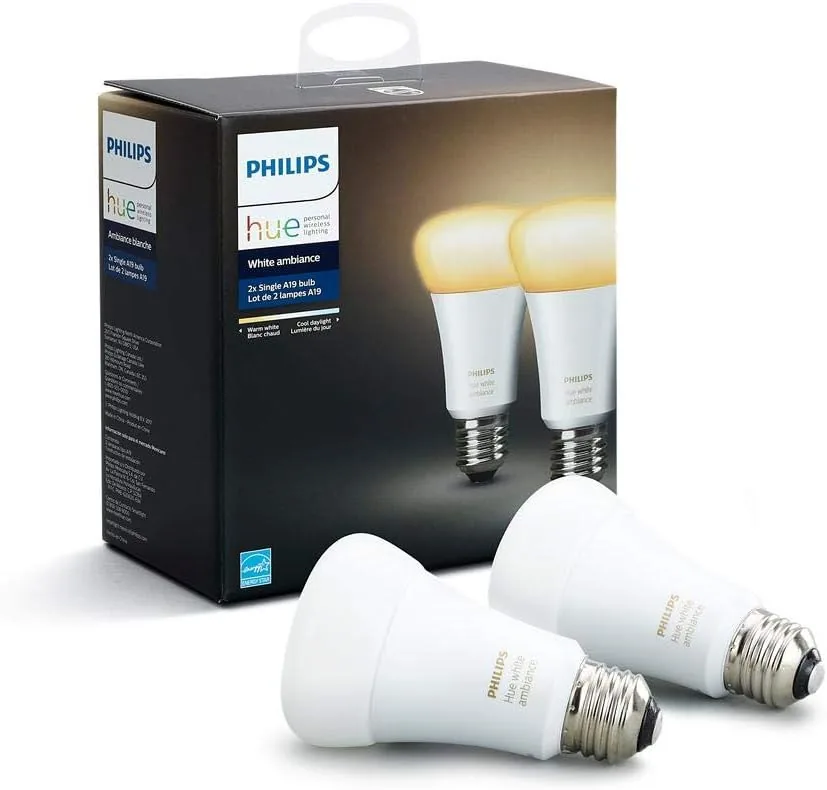
Philips Hue White Ambiance A19 (2-pack)
Tunable white LED smart bulbs; schedules and routines in the Hue app.
View on Amazon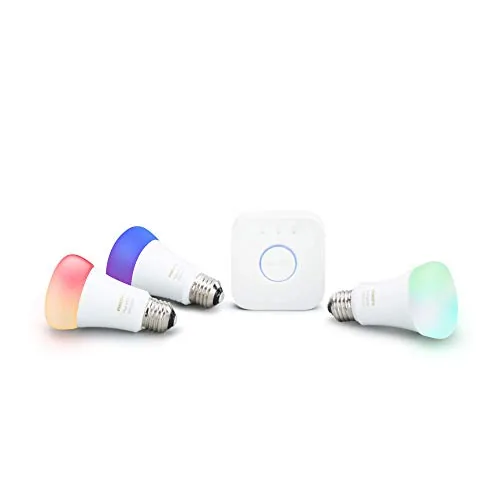
Philips Hue White & Color Ambiance Starter Kit
Color bulbs plus the Hue Bridge, which adds motion-sensor and schedule automations.
View on AmazonFree: Home Energy Audit Checklist (PDF)
A two-page, room-by-room checklist for finding air leaks, standby power and heating and cooling waste yourself, in the order that pays back fastest. Get it now, plus new fix guides by email. Unsubscribe any time.
By signing up you agree to receive emails from EcoHome Intelligence. See our Privacy Policy.
Frequently Asked Questions
Do motion sensor light switches save money?
Yes, where lights are regularly left on in empty rooms. The saving is the bulb’s watts times the hours it would have stayed on; with LED bulbs it is smaller than with incandescent.
Motion sensor switch or smart bulbs: which is better?
A motion sensor switch for hallways, closets, laundry rooms, garages and bathrooms, because it turns lights off without anyone remembering. Smart bulbs for living spaces where dimming, scenes and schedules matter.
Do motion sensor switches need a neutral wire?
The Kasa KS200M does. Lutron lists a neutral as required for the MS-OPS2, with installation to the ground wire allowed where no neutral is available. Check the switch box before you buy.
What is the difference between occupancy and vacancy mode?
Occupancy mode turns lights on automatically when you enter and off after you leave. Vacancy mode needs you to press the switch to turn them on, then turns them off automatically.
Should I switch to LEDs first?
Yes. DOE says LEDs use at least 75% less energy than incandescent bulbs, so the bulb swap saves more than any control, and it makes every control’s saving smaller.
Related Guides
- How to wire a motion sensor switch — step by step, safely
- LED vs incandescent — bulb-by-bulb cost comparison
- Lighting efficiency kit — bulbs, sensors and switches
