EcoGuide · Heat Pumps · Updated 2026-09-30 · 1,200 words
Nest or ecobee Aux Heat Running Too Much? How to Fix It
The Short Answer
On a heat pump system, aux heat is the backup: usually electric resistance strips, sometimes a furnace. It exists for very cold weather and for catching up quickly, and it is expensive. Google says aux heat “can cost about 2 to 5 times as much as running your heat pump”, and DOE says a heat pump can cut electricity use for heating by up to 75% compared with electric resistance heat.
If your winter bill jumped after installing a smart thermostat, the usual cause is a setting that lets aux heat come on too early or too often. The fix is in the thermostat, not the heat pump:
- Nest: set Heat Pump Balance to Balanced or Max Savings.
- ecobee: on the thermostat, raise Aux Savings Optimization (or the compressor-to-aux delta) under Installation Settings → Thresholds.
Before you lower any outdoor temperature limit, check your heat pump manufacturer’s minimum operating temperature. Both Google and ecobee point you there.
Aux Heat vs Emergency Heat
They are different. Google’s explanation: emergency heat “must be turned on manually” and runs only the backup, for example when the heat pump has failed, while the thermostat uses aux heat automatically, alongside the heat pump, when it decides it needs help. If “Emergency” is switched on, turn it off first: that alone can explain a huge bill.
Signs Aux Heat Is Running Too Much
- The winter electric bill is far above previous winters with similar weather and similar settings.
- Your thermostat app’s heating history shows auxiliary or backup heat on mild days, not just the coldest ones.
- Aux heat comes on every morning when the thermostat recovers from a night setback.
- You hear or smell the strips (a hot, dusty smell at the vents) on days when the outdoor unit should cope on its own.
The morning pattern is the most common. A big overnight setback leaves a large gap to close at wake-up time, and that gap is exactly what the thermostat’s aux settings react to.
Fix It on a Nest
Google’s Heat Pump Balance setting (Nest Learning Thermostat 4th gen and Nest Thermostat) controls how readily the thermostat uses aux heat:
- Max Comfort (the default): reaches your temperature fastest, even if it means using expensive aux heat.
- Balanced: uses aux heat when needed, with lockout temperatures between the two extremes.
- Max Savings: sets lower lockout temperatures, so aux heat “will typically turn on later and less often”.
- Off: the thermostat uses a lockout temperature you set yourself in the equipment settings.
Change it in the Google Home or Nest app under the thermostat’s settings. The thermostat uses Wi-Fi weather data for your area: when it is colder outside than the lockout temperature, it starts using aux heat. Start with Balanced, watch a week of cold mornings, and move to Max Savings if the house still warms up acceptably.
Fix It on an ecobee
ecobee says these settings must be changed on the thermostat itself, not in the app: Main Menu → Settings → Installation Settings → Thresholds (on some models, Main Menu → General → Settings).
- Aux Savings Optimization (when staging is set to Automatically): how far the room must fall below the setpoint before aux heat is called. The options run from 2°F (“sacrifice savings for comfort”) to 3.2°F (“sacrifice comfort for savings”); ecobee’s default and recommended value is 2.9°F.
- Compressor to Aux Temperature Delta or Compressor to Aux Runtime (when staging is set to Manually): wait for a bigger temperature gap, or a longer heat pump run, before bringing in aux heat.
- Aux Heat Max Outdoor Temperature: aux heat will not run above this outdoor temperature. Lowering it keeps the strips off on mild days.
- Compressor Min Outdoor Temperature (default 35°F): the heat pump will not run below this. ecobee warns that running a compressor below what it can handle can damage it, so ask your heat pump manufacturer before lowering it.
Check the best thermostat for a heat pump guide if your current thermostat has no equivalent settings.
Setbacks on a Heat Pump
Deep overnight setbacks and heat pumps do not mix well. The bigger the gap at wake-up, the more likely the thermostat calls aux heat to close it. Use a smaller setback (a few degrees), start the morning warm-up earlier, or let the thermostat’s own heat pump logic handle recovery. ENERGY STAR puts the average smart thermostat saving at about 8% of heating and cooling costs; on a heat pump, keeping aux heat in its place is how you get it.
Thermostats With Good Aux Heat Control
We may earn a commission if you buy through these links, at no extra cost to you. Products are chosen on published specifications; we do not test them in-house (how we choose).
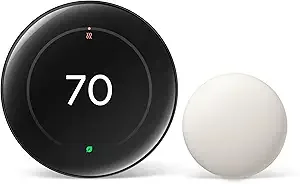
Google Nest Learning Thermostat (4th gen) + Temperature Sensor
Heat Pump Balance (Max Comfort, Balanced, Max Savings) or a manual aux lockout temperature.
View on Amazon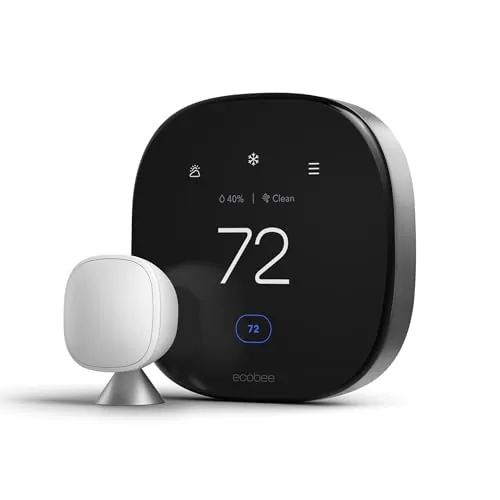
ecobee Smart Thermostat Premium
Full Thresholds menu on the thermostat: Aux Savings Optimization, aux and compressor outdoor limits.
View on Amazon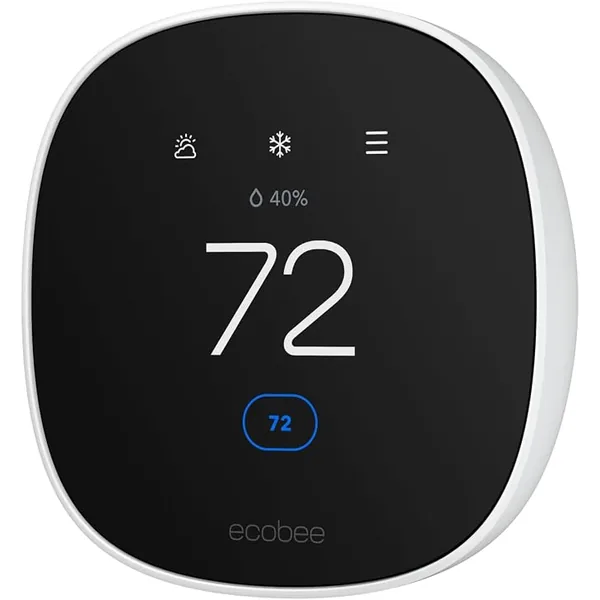
ecobee Smart Thermostat Essential
Same Thresholds settings, found under Main Menu → Settings → Installation Settings.
View on AmazonFree: Home Energy Audit Checklist (PDF)
A two-page, room-by-room checklist for finding air leaks, standby power and heating and cooling waste yourself, in the order that pays back fastest. Get it now, plus new fix guides by email. Unsubscribe any time.
By signing up you agree to receive emails from EcoHome Intelligence. See our Privacy Policy.
Frequently Asked Questions
Why is my aux heat running so much?
Usually because the thermostat is set to favour comfort (Nest’s default Max Comfort, or low ecobee thresholds), because of big overnight setbacks, or because Emergency heat was left on. Less often, the heat pump itself has a fault, which needs a technician.
How much more does aux heat cost?
Google says aux heat can cost about 2 to 5 times as much as running your heat pump. DOE says a heat pump can reduce electricity use for heating by up to 75% compared with electric resistance heat.
How do I reduce aux heat on a Nest?
Set Heat Pump Balance to Balanced or Max Savings in the Google Home or Nest app. With it Off, you set the aux lockout temperature yourself.
How do I reduce aux heat on an ecobee?
On the thermostat, go to Installation Settings, then Thresholds, and raise Aux Savings Optimization, or the compressor-to-aux delta or runtime if staging is manual. You can also lower Aux Heat Max Outdoor Temperature.
Is aux heat the same as emergency heat?
No. The thermostat uses aux heat automatically alongside the heat pump; emergency heat must be switched on manually and runs only the backup.
Related Guides
- Best thermostat for a heat pump — models with real aux heat control
- How much do smart thermostats save? — ENERGY STAR’s 8% explained
- Smart thermostat troubleshooting — every fix guide by symptom
