EcoGuide · Standby Power · Updated 2026-09-30 · 800 words
How to Find Phantom Loads in Your Home: A Quick Audit
The Short Answer
Phantom loads are devices drawing power while switched off or idle. They add up to almost 10% of residential electricity according to the U.S. Department of Energy, and NRDC measured an average of 164 watts running around the clock in the homes it studied (NRDC, 2015).
Finding yours takes four steps: check your baseline, walk the house, measure the suspects, rank them. The walk takes a few minutes; measuring takes longer, because the only way to know a device’s standby draw is to measure it.
Step 1: Check Your Always-On Baseline
If your utility shows hourly smart meter data online, look at the lowest usage hour in the middle of the night, when nothing is running on purpose. That number (in kWh for the hour, which equals average kW) is roughly your always-on load. 0.2 kWh in the quietest hour means about 200 W running all the time. Compare it with NRDC’s 164 W average to see whether you have a lot to find.
Step 2: Walk the House
Go room by room and list everything plugged in that is not actively in use. The usual suspects:
- Living room: TV, set-top box or DVR, game console, soundbar, streaming box, subwoofer.
- Office: desktop computer, monitors, printer, speakers, docking stations, chargers.
- Kitchen: anything with a clock or display: microwave, coffee maker, oven.
- Everywhere else: chargers with nothing attached, smart speakers, older second fridges, dehumidifiers, aquarium gear, recirculation pumps.
NRDC found consumer electronics were about half of the always-on load in the homes it audited, so start with the TV and the desk.
Step 3: Measure the Suspects
Plug each suspect into a plug-in meter or an energy-monitoring smart plug, switch it “off” the way you normally do, and read the watts. Then enter them in our Dead Plug Detector, which converts watts to kWh a year and cost at your price. The arithmetic, if you prefer: watts × 8.76 = kWh per year, times the price per kWh on your bill.
We may earn a commission if you buy through these links, at no extra cost to you. Products are chosen on published specifications; we do not test them in-house (how we choose).
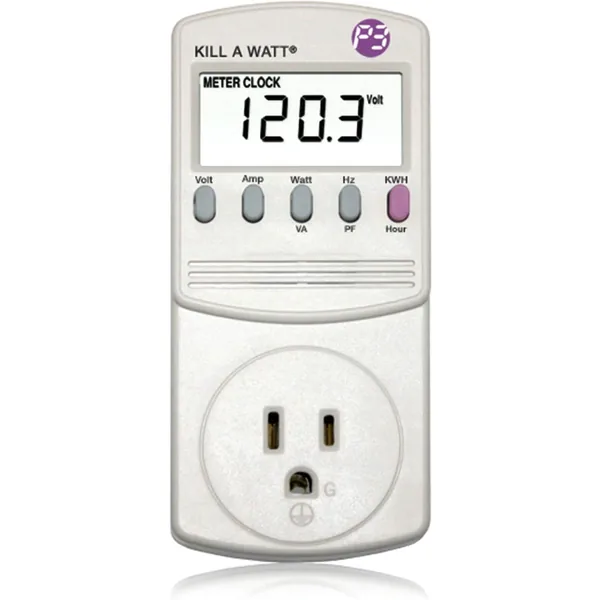
P3 Kill A Watt P4400
Plug-in meter: shows watts and cumulative kWh; P3 lists 0.2% accuracy.
View on Amazon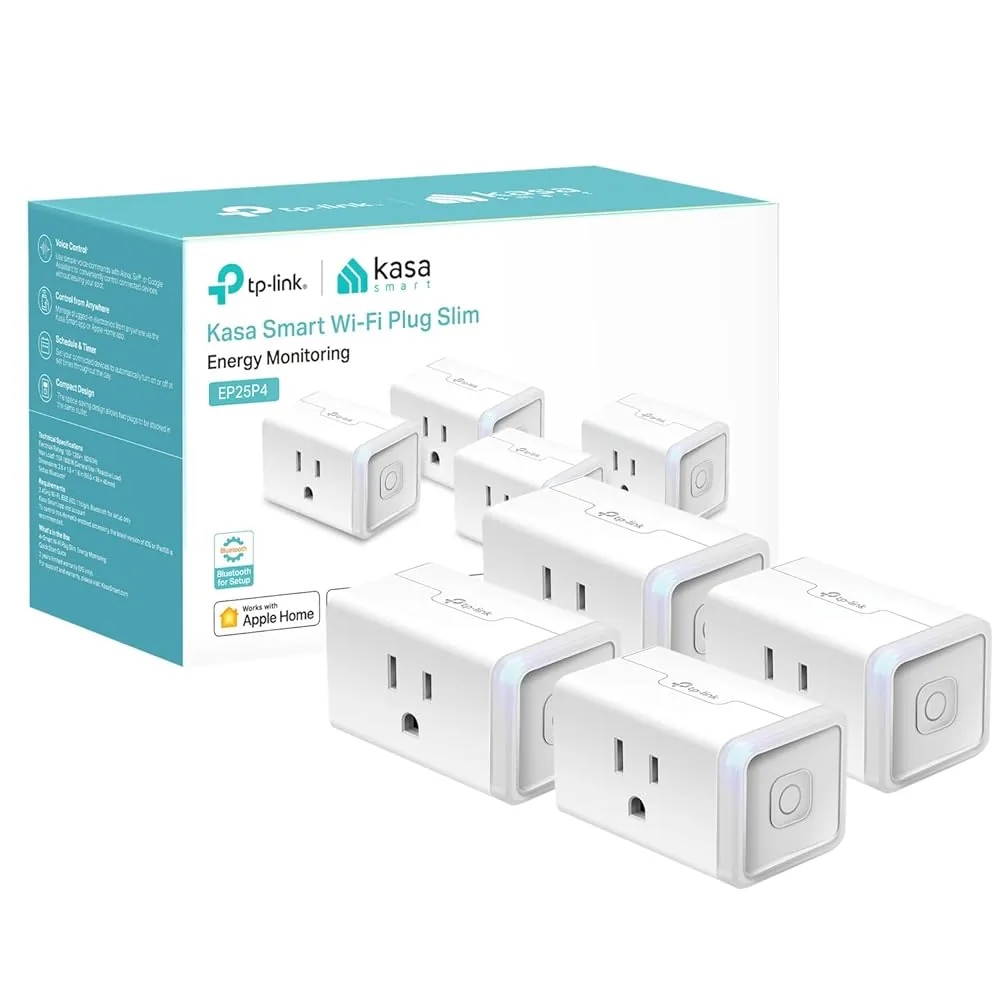
Kasa EP25 Smart Plug with Energy Monitoring (4-pack)
Measures one device at a time and can then switch it on a schedule.
View on AmazonStep 4: Rank and Fix
Sort your list by watts and deal with the top few first. Match the fix to the device:
- A cluster of devices (TV stack, desk): a smart power strip that switches them off overnight.
- One device elsewhere: a smart plug with a schedule, or the device’s own energy-saving power mode.
- Things you rarely use: unplug them, or put them on a switched power strip.
- Leave on: the router if you need internet overnight, a DVR that records, fridges and freezers, medical equipment and sump pumps.
We may earn a commission if you buy through these links, at no extra cost to you. Products are chosen on published specifications; we do not test them in-house (how we choose).
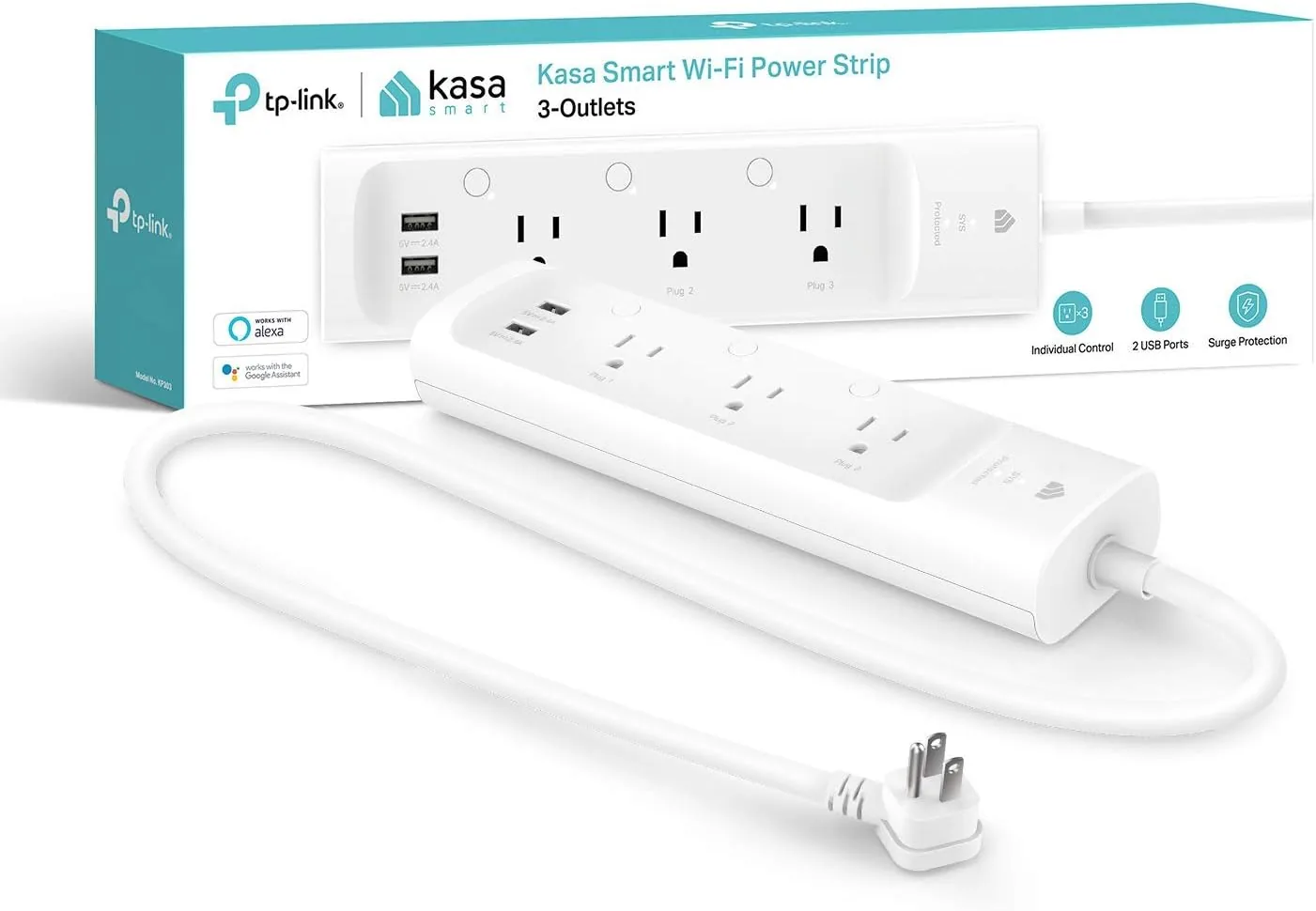
Kasa KP303 Smart Power Strip
3 individually switched outlets plus 2 USB, with schedules; no energy monitoring.
View on AmazonFree: Home Energy Audit Checklist (PDF)
A two-page, room-by-room checklist for finding air leaks, standby power and heating and cooling waste yourself, in the order that pays back fastest. Get it now, plus new fix guides by email. Unsubscribe any time.
By signing up you agree to receive emails from EcoHome Intelligence. See our Privacy Policy.
Frequently Asked Questions
How do I find phantom loads in my house?
Check your always-on baseline in your smart meter data, walk the house listing everything plugged in but idle, measure each suspect with a plug-in meter or energy-monitoring smart plug, then rank them by watts.
How much electricity do phantom loads use?
The U.S. Department of Energy says almost 10% of residential electricity. NRDC measured an average always-on load of 164 watts, about 1,300 kWh a year, in the homes it studied.
Can I estimate phantom loads without a meter?
Only roughly. Your smart meter’s lowest overnight hour gives the total, but finding which device is responsible needs a plug-in meter or an energy-monitoring smart plug.
What is the best way to stop phantom loads?
Switch the biggest ones off: a smart power strip for clusters like the TV stack, a smart plug or the device’s energy-saving mode for single devices, and unplugging for things you rarely use.
Related Guides
- What is vampire power? — where standby waste comes from
- Dead Plug Detector — turn your measured watts into kWh and cost
- Best smart plug with energy monitoring — measure and switch one device
